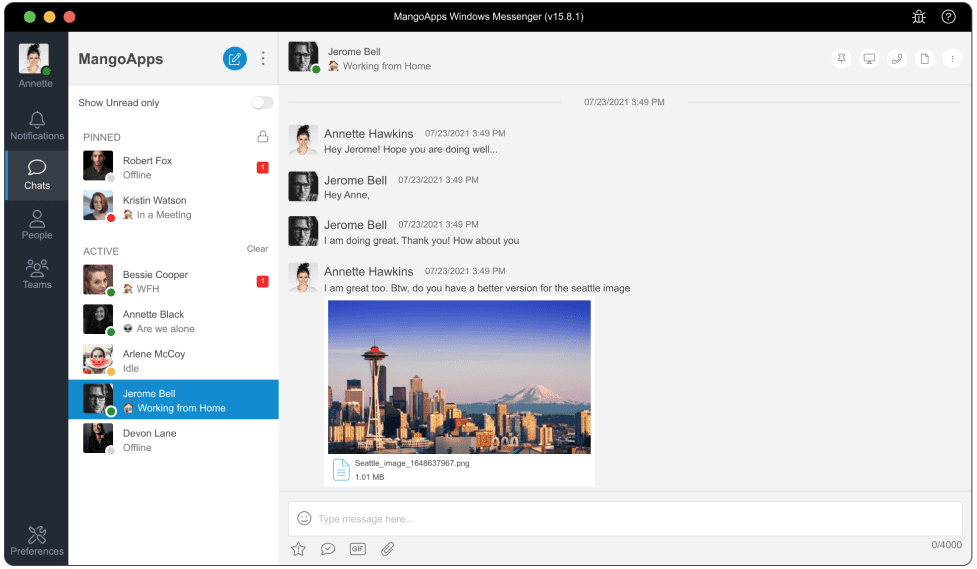
Download Messenger - a fast, reliable, and secure instant messaging app for all your business communications. Messenger is easy-to-setup, cloud-based, HIPAA compliant, encrypted and enterprise-ready.
If you would like to push MangoApps to your users via a Group Policy use the MSI installer from the link below.
Please ensure the following before running the installer
1
No previous version of MangoApps for Windows desktop is already installed. If a previous version exists, please uninstall it followed by a machine re-start for cleanup.
2Use the 32 bit msi to install on machines with 32 bit OS and the 64 bit msi to install on the 64 bit OS machines.
3The installer needs to be run in the administrator mode since it installs to the users Program Files directory.